How to restore firmware on the Ohme Home Pro
Restoring the firmware on the Ohme Home Pro can help resolve a range of issues such as display problems, graphical glitches, connectivity issues, or other unexpected behaviour.
You can restore the firmware as long as the charger is powered on and the buttons are responsive. This is often a good first troubleshooting step before investigating hardware or signal issues.
When to restore firmware
Restore the firmware if the charger shows:
- Display or graphical issues
- Unresponsive or unstable on-screen behaviour
- Connectivity issues where a power cycle has not been successful
- Other general firmware or software faults

Before you start
- The charger must remain powered on throughout the process.
- Do not power off the charger while the firmware is restoring.
Display the menu
-
Make sure the charger is powered on.
-
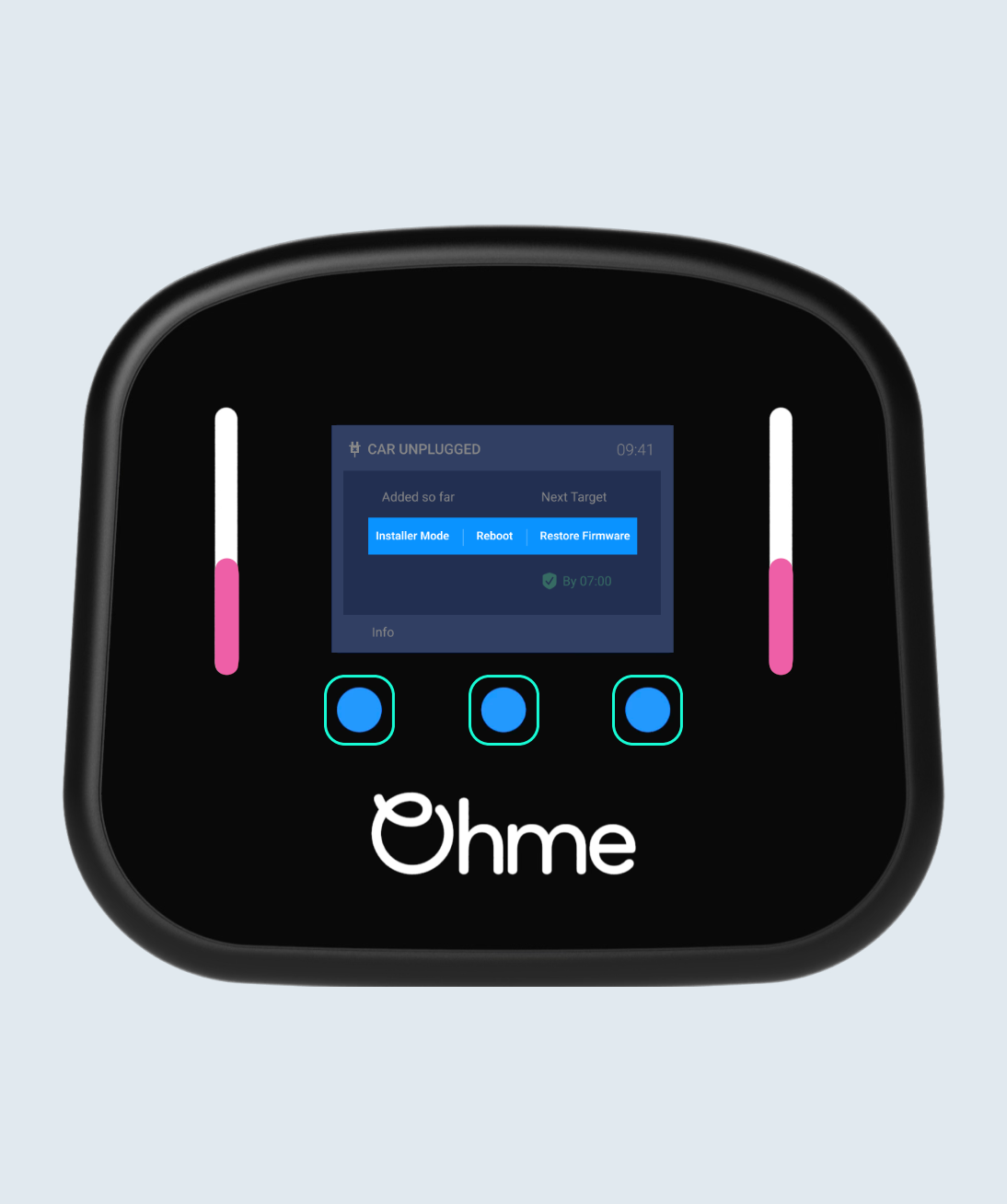
Place one finger on each of the three blue touch buttons.
-
Press and hold all three buttons at the same time.
-
Keep holding until the central menu appears.
You can access this menu from any screen on the Home Pro.
Select Restore Firmware
-
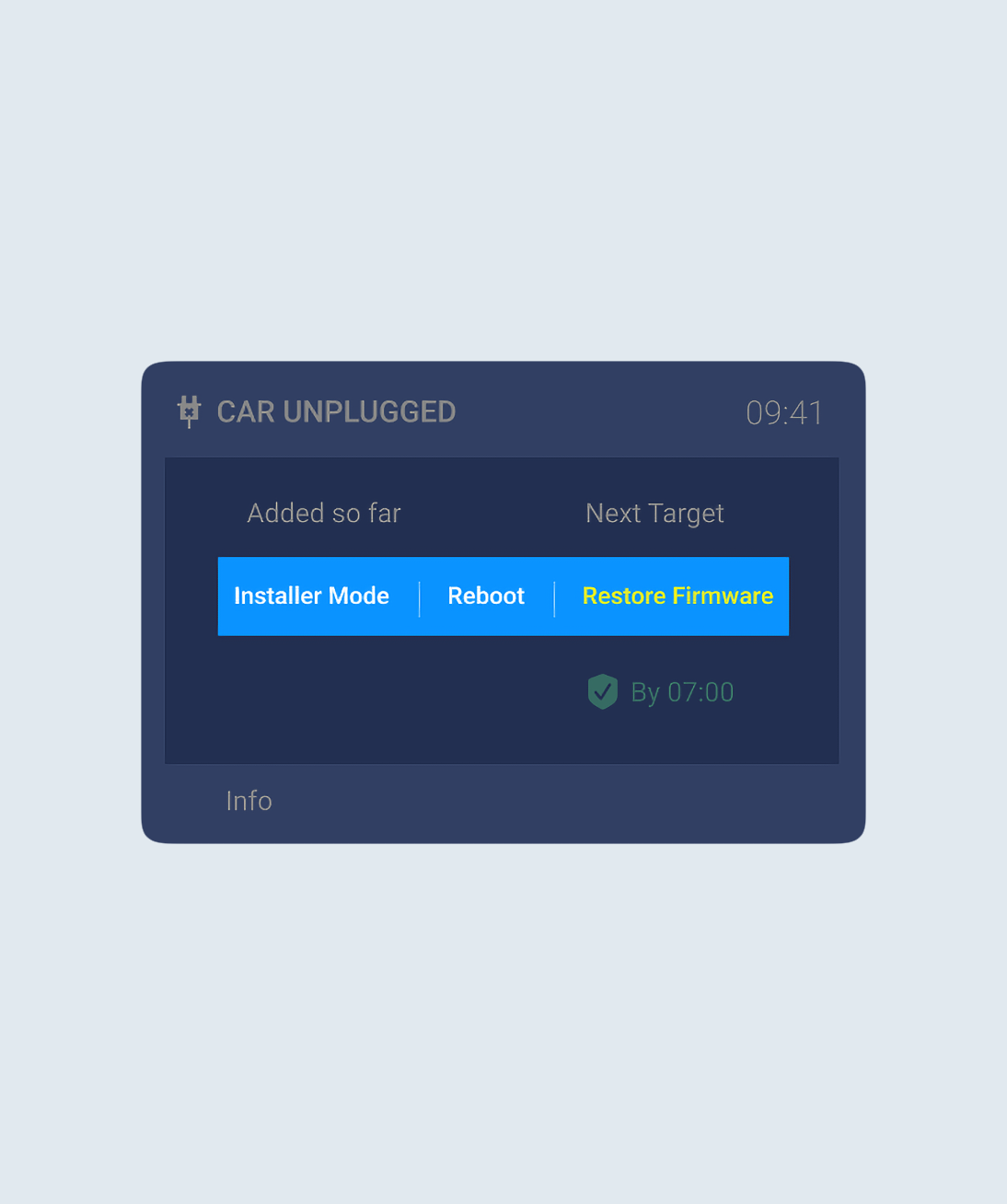
When the central menu appears, three options are shown on the screen.
-
Press and hold the right-hand blue button to choose Restore firmware.
-
The selected option turns yellow to confirm it is selected. The charger will reboot.
The charger will now start restoring the firmware automatically.
During the restore
-
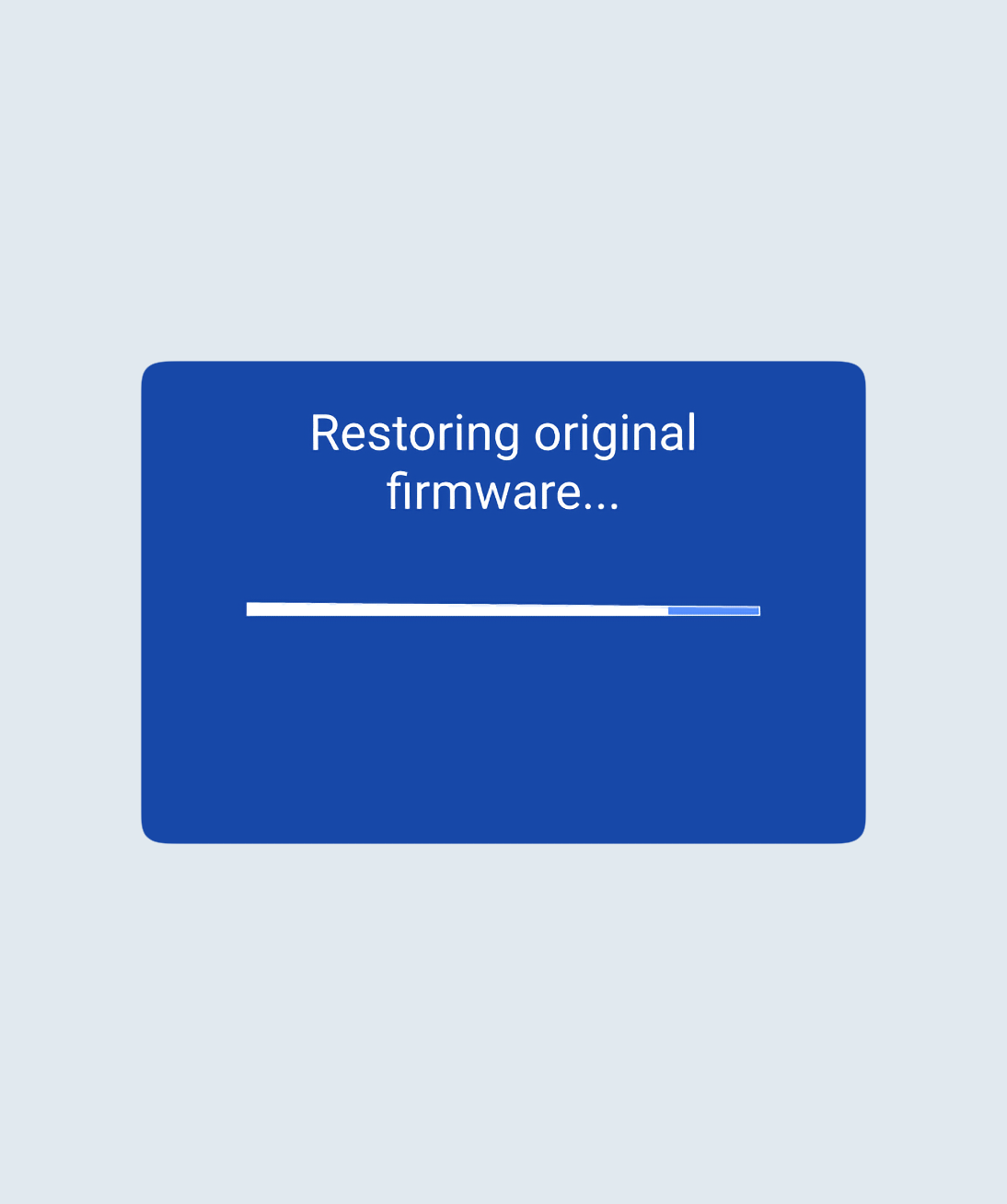
The charger restores to the original version of Firmware from installation.
-
A progress bar appears on the display.
-
The charger may restart more than once. This is expected.
-
No further input is required.
After the restore
- If you started in user mode, the charger returns to user mode.
- If you started in setup screens such as language selection, max current, or load balancing, the charger returns to the start of setup.
- The user account linked and charger settings remain unchanged.
If a newer firmware version is available, the charger will automatically check with the Ohme server and update itself on next reboot.
Thanks for your feedback!