How to use the Ohme app widget (iOS)
How does it work?
The Ohme app widget provides a unique way to see snapshots of key information about the status of your charger and charge session, right on your home screen, so you can check in at a glance without opening the app.
What you’ll see
- Your charger’s last known status, such as Unplugged, Pending approval, Charger offline, or Smart charging.
- Your active charge session, so you can keep track of progress.
- A timestamp, showing when the information was last updated.
How updates work
The widget will update instantly whenever you open the Ohme app. The widget will also refresh periodically throughout the day and overnight. The update rate is determined by your phone’s settings. If background activity is limited or turned off, updates may be less frequent.
Adding the widget on iOS
-
On your iPhone Home Screen, touch and hold an empty area until the apps jiggle.
-
Tap the + button in the top-left corner.
-
Scroll down and select Ohme from the list of apps.
-
Tap Add Widget.
-
Drag it to where you want it on your Home Screen and tap Done.
Troubleshooting updates
If your widget doesn’t seem to update unless you open the Ohme app, it may be that background refresh has been turned off.
- Open the Settings app.
- Go to General > Background App Refresh.
- Make sure Background App Refresh is enabled.
- Check that Ohme is allowed to refresh in the background.
Enabling these options ensures your widget keeps updating, even when the Ohme app hasn’t been used recently.
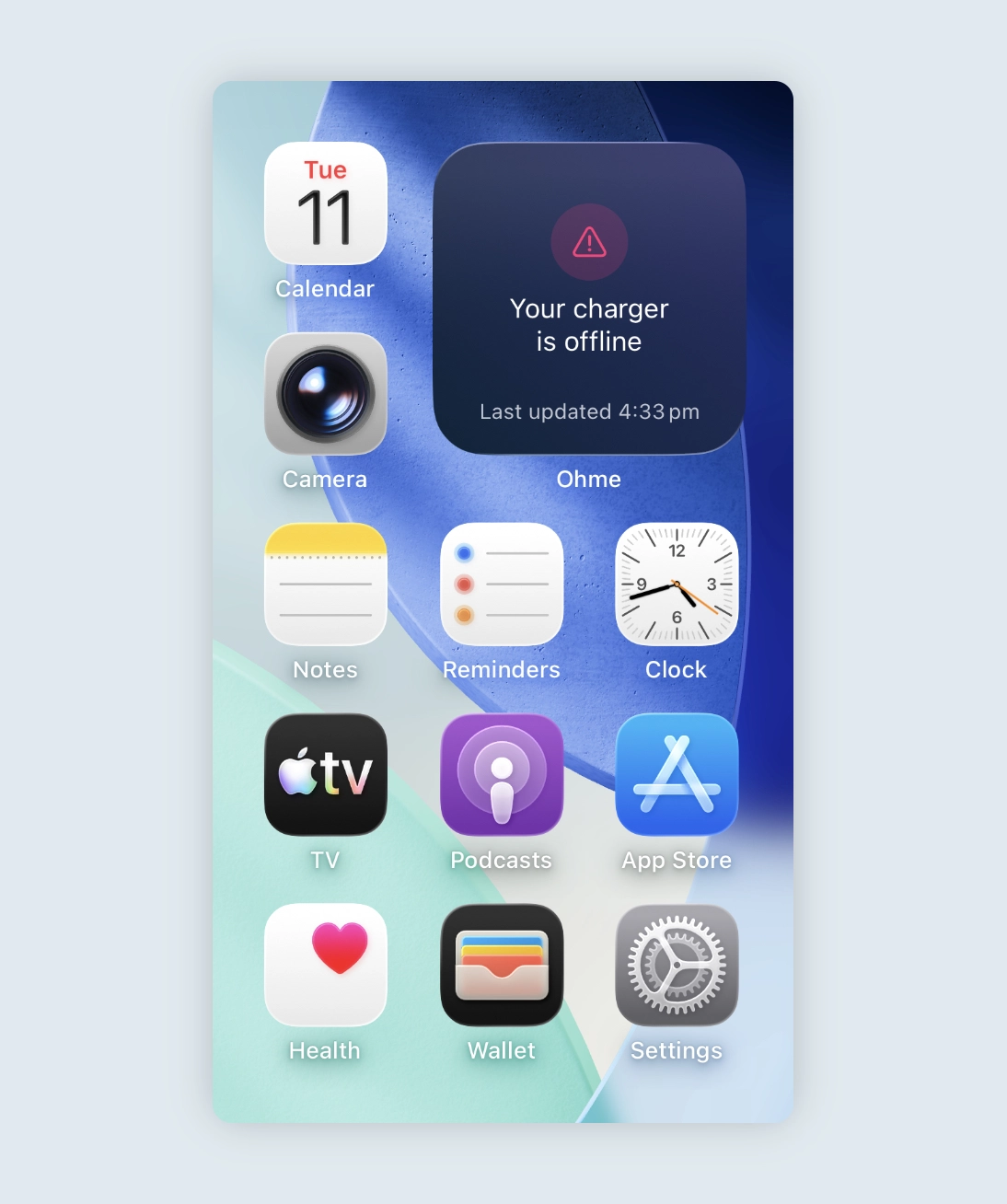
The widget offers many different views and statuses, here are a few you might see.
Your charger is offline
If your charger ever goes offline, the Ohme widget will show an alert to let you know. For your settings and preferences to apply correctly, your charger must be online before you plug in to charge.
Most of the time, your charger will automatically reconnect within about an hour. If it’s still offline when you’re ready to charge, we recommend power cycling the charger.
You can find step-by-step instructions in this article:
My charger is offline
Thanks for your feedback!


 Log a ticket