


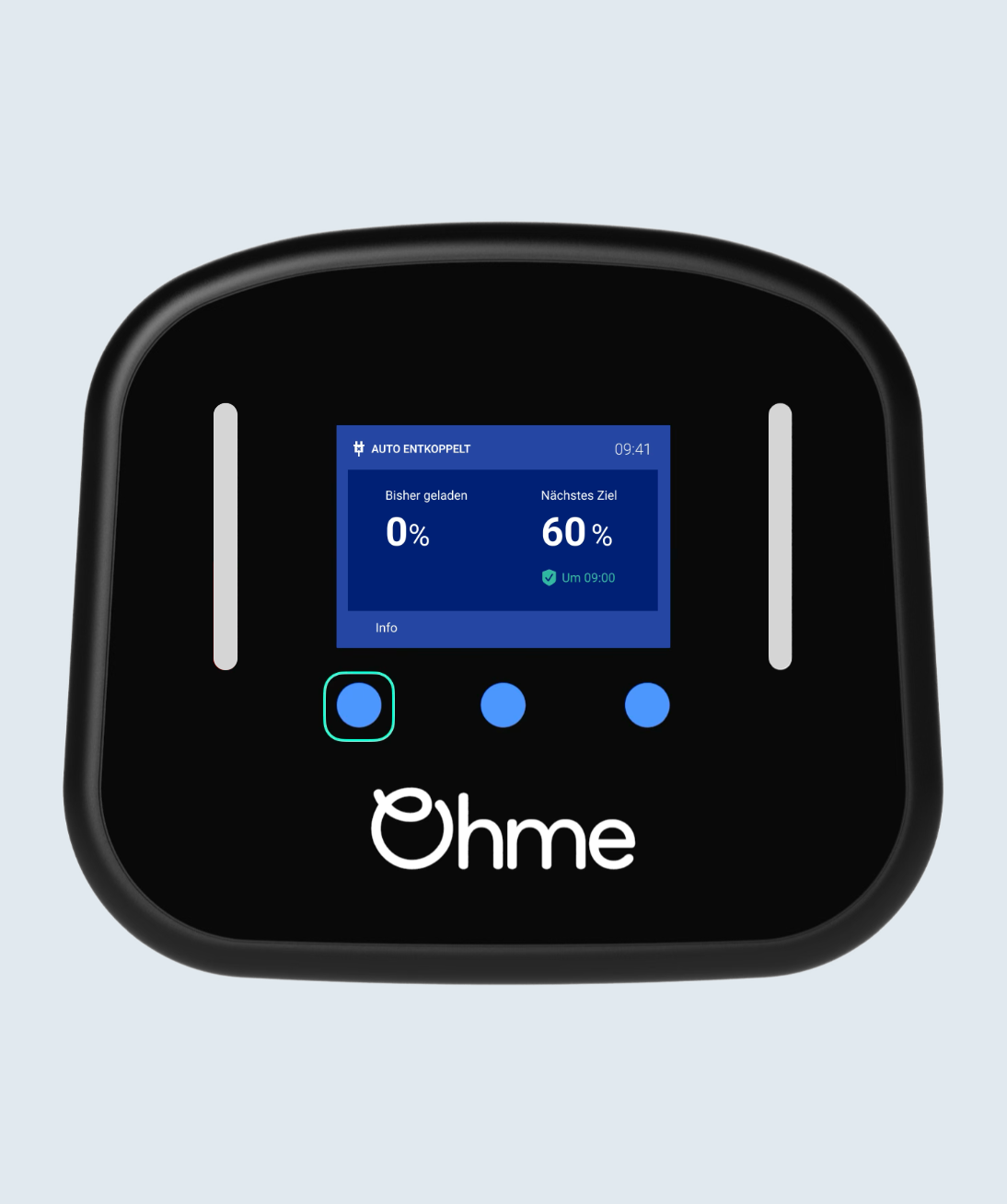
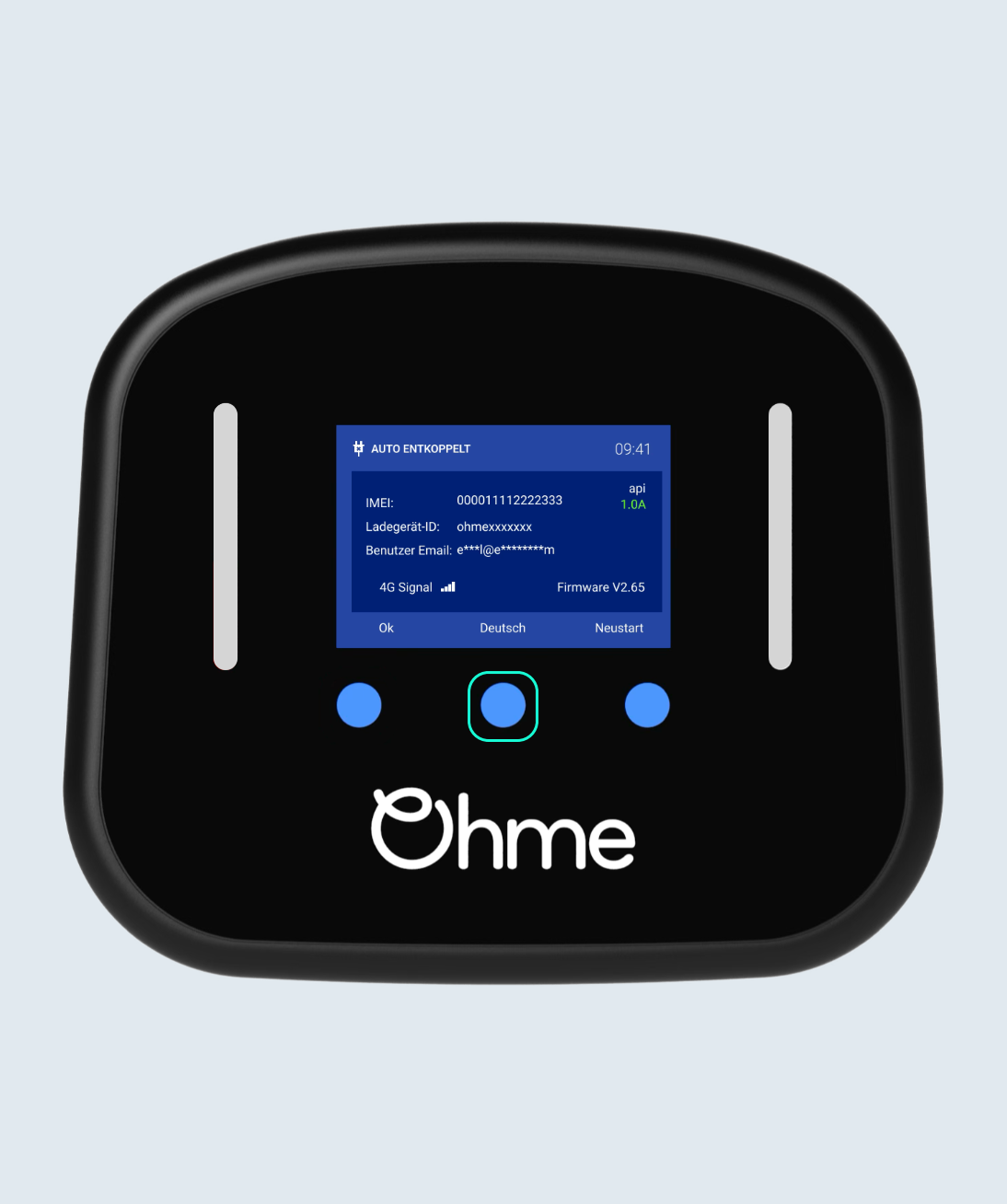
While the charger is unplugged tap the left blue button on the front of the Ohme Home Pro to see the info page
Select your location
Close
Argentina
Español (Argentina)
United Kingdom
English (United Kingdom)
Australia
English (Australia)
Belgique
Français (Belgique)
België
Nederlands (België)
Deutschland
Deutsch (Deutschland)
España
Español (España)
France
Français (France)
Ireland
English (Ireland)
Italia
Italiano (Italia)
Nederland
Nederlands (Nederland)
Portugal
Português (Portugal)

 Log a ticket